
Featured Sellers
Featured Sellers spotlights a set of sellers on the storefront — an Our Featured Sellers showcase — to give strong or promising sellers extra visibility. The admin turns it on and chooses how sellers are selected; the marketplace then fills the showcase automatically.
What you'll learn
- What Featured Sellers does
- How the admin enables and tunes it
- How sellers are chosen
Enabling and tuning
In the admin panel, go to Configure → Marketplace → Featured Sellers.
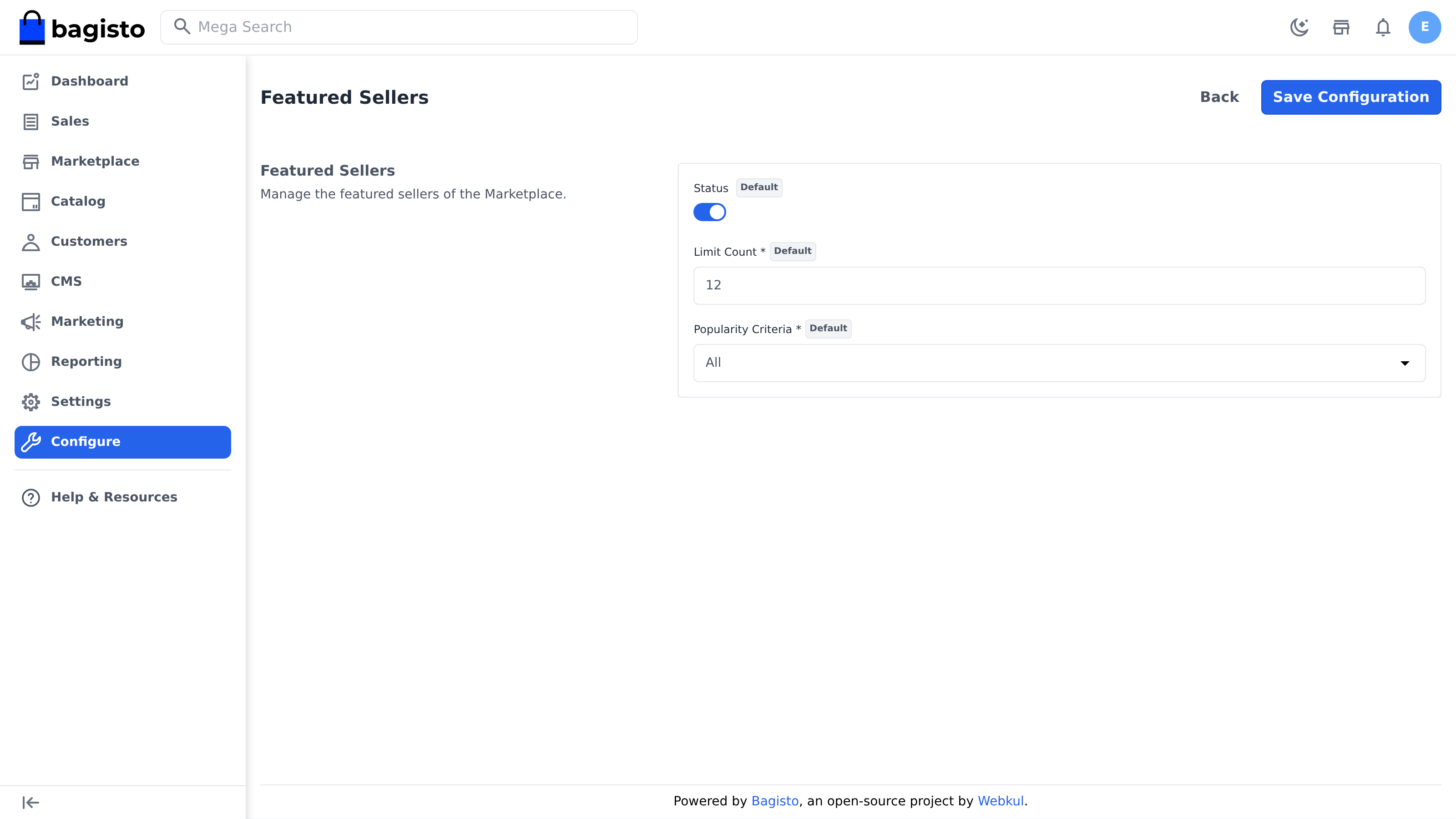
- Status — turn the featured showcase on or off.
- Limit Count — how many sellers to feature (for example, 12).
- Popularity Criteria — how featured sellers are ranked and picked:
- All — rank by orders, products, rating, and sales together.
- Maximum Orders — the sellers with the most orders.
- Maximum Products — the sellers with the largest catalogs.
- Maximum Rating — the highest-rated sellers (by approved reviews).
- Maximum Sale — the sellers with the highest sales value.
Save the configuration, and the storefront shows the featured sellers accordingly.
Requires "Show Publicly"
The showcase only appears when both this Status toggle and the sellers' Show Publicly setting (Configure → Marketplace → Sellers → Registration & Visibility) are enabled. With Show Publicly off, the storefront hides the showcase even if Featured Sellers is on.
How the selection works
Featured placement is earned, not assigned. The marketplace ranks eligible sellers by your chosen criteria and takes the top Limit Count. Only sellers who are approved, not suspended, have a business name, and belong to the current channel are eligible — so the showcase always reflects real, active sellers.
TIP
Because placement rewards performance, the way for a seller to get featured is simply to sell well and earn good reviews — which ties straight back to Rating Management and Seller Account Health.